
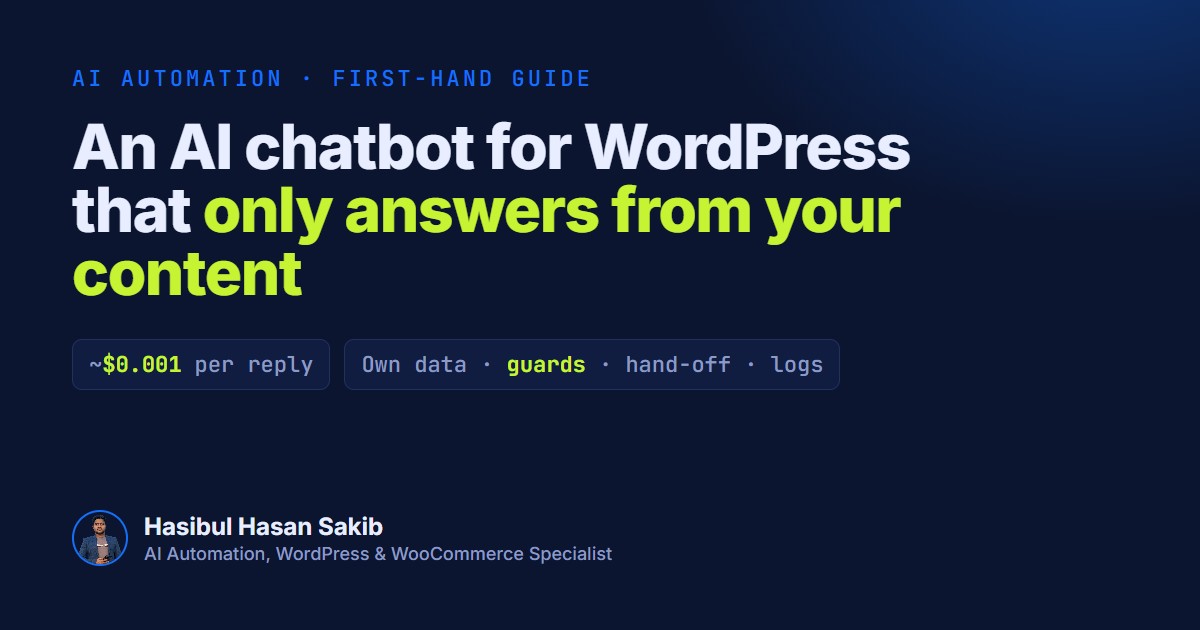
Short answer: To add an AI chatbot to WordPress that only answers from your own content, connect a language model to your pages, product data and written policies, and tell it to answer from those sources only. Add guards for prices, payments and abuse, hand difficult questions to a person, and log every conversation so you can see what customers really ask.
I build these assistants for WordPress and WooCommerce sites. This guide is what I’ve learned from running them on live stores in 2026, including the mistakes I had to fix.
What does an “answers from your own content” chatbot actually do?
A normal AI chatbot answers from what the model learned on the internet. That’s how a bot ends up promising a refund policy you don’t have, or quoting a competitor’s price. A content-grounded assistant works differently:
- The visitor asks a question.
- The system searches your own sources first: pages, products, FAQs, delivery and return rules.
- Only the matching pieces go to the model, with the instruction to answer from them.
- If nothing matches, it says so and offers a person, instead of guessing.
On a store, “your content” should include the live product catalogue, not just pages. Prices, sizes and stock change every day, so the assistant needs fresh data rather than a copy from last month.
What should it be allowed to answer, and what not?
Decide this before you write any code. My default rules:
- Prices, discounts and delivery charges come only from your product data and written policies. If a number isn’t in the source, the assistant doesn’t say it.
- Payments, refunds, complaints, health or legal questions go to a person.
- Contact details are asked for only when the visitor wants a quote or an order, not in the first message.
- Every conversation is saved, so the team can follow up and see which questions the website doesn’t answer yet.
I wrote about why the “I don’t know, let me connect you with the team” answer matters on LinkedIn: a bot that always has an answer is the dangerous one.
How do I add it to a WordPress site?
There are three common ways, from quickest to most controlled:
- A chatbot plugin with its own AI service. Fastest to start. Check where your data goes, whether it reads your WooCommerce products live, and what happens when it doesn’t know.
- A hosted assistant added with one script tag. The assistant runs on its own server; WordPress only loads the chat window. I install the tag with a small must-use plugin, so it survives theme changes and is gone the moment you delete one file.
- A custom build. Your own retrieval, rules and logs. More work, but you control every answer, the cost and the data.
Whichever you pick, keep the AI key on the server. A key placed in the page’s JavaScript can be copied by anyone who opens the browser’s developer tools.
What does it cost to run?
Less than most owners expect. On the stores I run, a normal reply costs about a tenth of a US cent in model fees, and a reply that has to look at a customer’s photo costs a little more. A busy shop answering a thousand messages a month pays a few dollars in AI usage. The real costs are setup, product data quality and someone checking the logs.
Two settings keep the bill predictable: a daily spending cap per website, and a limit on how many messages one visitor can send in a few minutes. Both also stop someone from running up your bill on purpose.
What went wrong on live stores, and how I fixed it
Testing with real conversations found problems that a demo never shows:
- A design number was treated as a product ID. A customer typed “117”, the model number of a dress, and the assistant ordered a different product whose internal ID was 117. Fix: the product must be looked up and confirmed in the same reply before any order is created, and model numbers in the product name must match what the customer wrote.
- A photo of a black backpack matched a dress on a clothing store that doesn’t sell bags, because the image comparison was too loose and transparent product images turned black. Fix: a stronger image fingerprint, a second check before saying “yes, we have this”, and an honest “we don’t sell this item” when nothing fits.
- Duplicate orders when a customer said “yes” twice. Fix: one order per confirmation, and an order only right after the customer agrees to a summary of items, price and address.
None of these were model problems. They were missing rules. That’s why I test every assistant with real past conversations before it talks to customers, and start it in “draft” mode where a person approves replies for the first days.
How do I keep it safe?
- Prompt injection: visitors will type “ignore your instructions”. Block those patterns, never put secrets in the prompt, and check replies for leaked keys or internal tool names before they’re shown.
- Moderation: run messages and uploaded images through a moderation check; flagged content goes to a person.
- Privacy: keep chats only for a set period and delete them after, strip location data from uploaded photos, and say in your privacy policy that an AI assistant answers questions.
- Disclosure: in the EU, people must be told they’re talking to an AI system. A short line in the chat window is enough.
Is an AI assistant worth it for a small business?
It’s worth it when questions arrive outside working hours, when the same ten questions take up the team’s day, or when buyers leave because nobody answered fast enough. In the Arlens Leather export demo I built, a buyer asking about 200 branded bags at 11pm gets an answer from the company’s own content and is saved as a lead for the morning.
It’s not worth it if your website content is thin or out of date: the assistant can only be as right as your pages. Fix the content first.
If you want one built and tuned for your site, that’s what my AI chatbot for WordPress service covers, from the rules and product sync to testing with your real questions. If you’re also checking your server this month, see the PHP2Shell 10-minute check.
Sources
Frequently Asked Questions
Can an AI chatbot on WordPress answer only from my own website?
Yes. It searches your pages, products and policies first, sends only those pieces to the model, and is told to answer from them. When nothing matches, it says so and offers a person.
Will the chatbot invent prices or discounts?
Not if prices come only from your product data and the assistant is blocked from stating a number that isn't in the source. Test this with real questions before going live.
How much does an AI chatbot cost per month?
Model fees are small: on the stores I run, about a tenth of a US cent per normal reply, so a few dollars for a thousand messages. Setup, data quality and checking the logs cost more than the AI itself.
Does a chatbot slow down my WordPress site?
A well-built one loads its chat window after the page and runs on its own server, so the page itself stays fast.
Do I have to tell visitors they are talking to an AI?
In the EU, yes: people must be told they are interacting with an AI system. A short line in the chat window is enough, and it builds trust everywhere else too.