
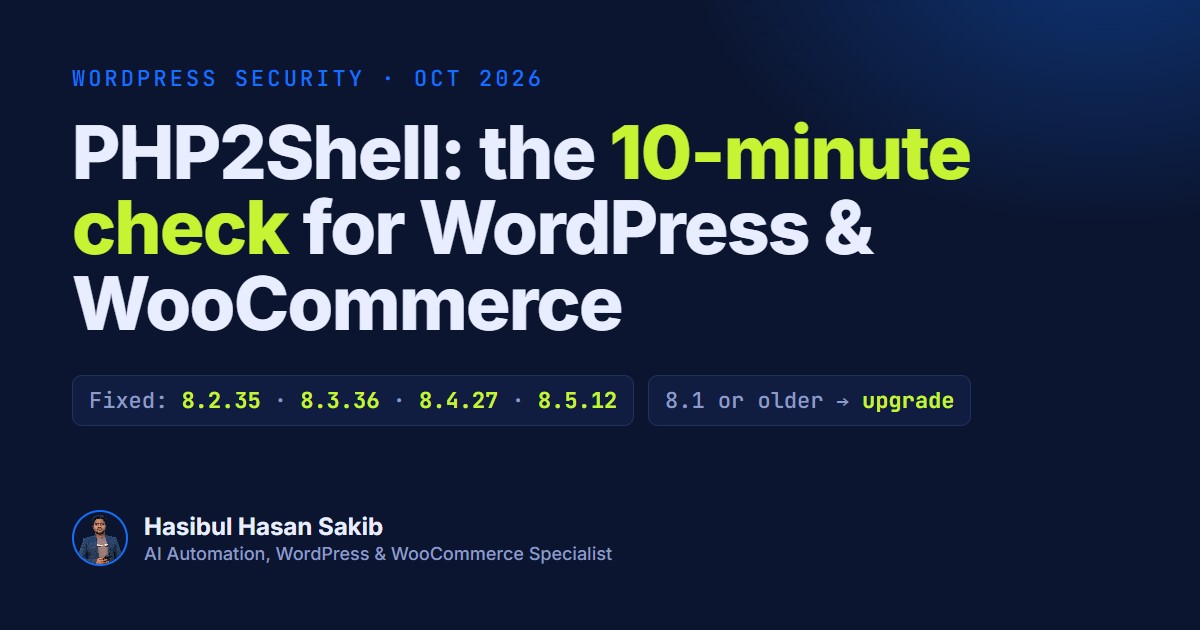
Short answer: PHP2Shell is a pair of critical PHP bugs (CVE-2026-109618 and CVE-2026-109619) that can let an attacker run code on a web server without logging in. Fixed PHP versions came out on 21 October 2026. If your WordPress or WooCommerce site runs on PHP, you have one job this week: confirm your host has installed the fix, and if you are still on PHP 8.1 or older, plan an upgrade.
This guide is for store owners and business owners, not system administrators. It takes about 10 minutes.
What is PHP2Shell?
Details of the two bugs leaked on 20 October 2026, a day before the planned disclosure. The PHP team released fixed versions on 21 October:
- PHP 8.5.12
- PHP 8.4.27
- PHP 8.3.36
- PHP 8.2.35
For older branches (7.4 to 8.1) the PHP team published source-code backports only, which hosting companies and Linux vendors have to build and install themselves.
Reports differ on whether the bugs are already being exploited. Some security firms say they have seen attacks; the PHP Foundation said it had not identified working exploits at release. For a business website, the safe reading is simple: treat it as urgent.
Why WordPress plugins can’t protect you here
These bugs live in PHP itself, which runs before WordPress and before any security plugin loads. A firewall plugin, a malware scanner or a WordPress update does not fix them. The fix has to happen at the server level: your host updates PHP.
The 10-minute check
1. Find your PHP version
In WordPress, go to Tools → Site Health → Info → Server. You will see a line like “PHP version 8.2.34”. Your hosting control panel shows the same information.
2. If you are on PHP 8.2 or newer: ask your host one question
Here is the part that confuses people. Many hosting companies installed the fix without changing the version number. For example, CloudLinux, which powers a large share of shared hosting, shipped a fixed build that still reports itself as 8.2.34. Hostinger announced that its shared hosting plans are protected and that VPS customers must update themselves.
That means the version number alone can’t tell you whether you are safe, and some security scanners that only read the number will warn you even after your host has patched. Send your host this message:
“Has the PHP2Shell fix (CVE-2026-109618 / CVE-2026-109619) been installed for the PHP version my site uses? If so, which build or date?”
A good host answers this within a day.
3. If you are on PHP 8.1 or older: plan the upgrade now
PHP 8.1 and older no longer receive regular security releases. Even if your host backported this one fix, the next problem may not get the same treatment. Moving to PHP 8.3 is usually a small job when it’s done carefully.
4. If you run your own VPS or server
Update the PHP packages through your system’s normal update channel and restart PHP (PHP-FPM or LiteSpeed’s PHP processes). Then confirm the package changelog mentions the two CVE numbers.
How to upgrade PHP without breaking your site
I moved my own website from PHP 8.1 to 8.3 last week. This is the order I follow on every site:
- Full backup first: files and database, stored off the server.
- Check the code before switching: I ran a syntax check of every custom PHP file (312 files on my site) against PHP 8.3. Zero errors meant the switch was low-risk.
- Test the important pages: home, contact forms, login, and for WooCommerce stores the cart, checkout, payment and order emails.
- Keep a one-click way back: on most hosts the PHP version is a single setting, so reverting takes seconds if something breaks.
- Watch the error log for a day after the switch.
On my site the switch itself took minutes. The checking took longer, and that’s the part worth paying attention to.
Is there a temporary workaround?
Some guides suggest disabling PHP’s session upload-progress feature. That closes one of the two attack paths, not both. The PHP team’s position is clear: updating PHP is the only complete fix. Use a workaround only to buy a day or two while your host updates.
What I’d do this week
- Check your PHP version in Site Health.
- Ask your host the one question above and keep their answer.
- If you are on 8.1 or older, book the upgrade, with a backup and a test of checkout and forms.
- If you manage several client sites, put all of them through the same check.
If you’d like a second pair of eyes, I check PHP versions, run the upgrade safely and test WooCommerce checkout as part of my WordPress security service.
Sources
Frequently Asked Questions
Does a WordPress security plugin protect me from PHP2Shell?
No. The bugs are in PHP itself, which runs before WordPress and its plugins load. Your host has to install the fixed PHP build.
My site says PHP 8.2.34. Am I vulnerable?
Not necessarily. Many hosts installed the fix without changing the version number. Ask your host whether the PHP2Shell fix (CVE-2026-109618 and CVE-2026-109619) is installed for your PHP version.
Is PHP 8.1 still safe to use?
PHP 8.1 and older no longer receive regular security releases. Even if your host backported this fix, plan an upgrade to PHP 8.3.
Will upgrading PHP break my WooCommerce store?
Usually not, if you take a backup, check custom code first and test the cart, checkout, payments and order emails before and after the switch. Keep a quick way back to the old version.